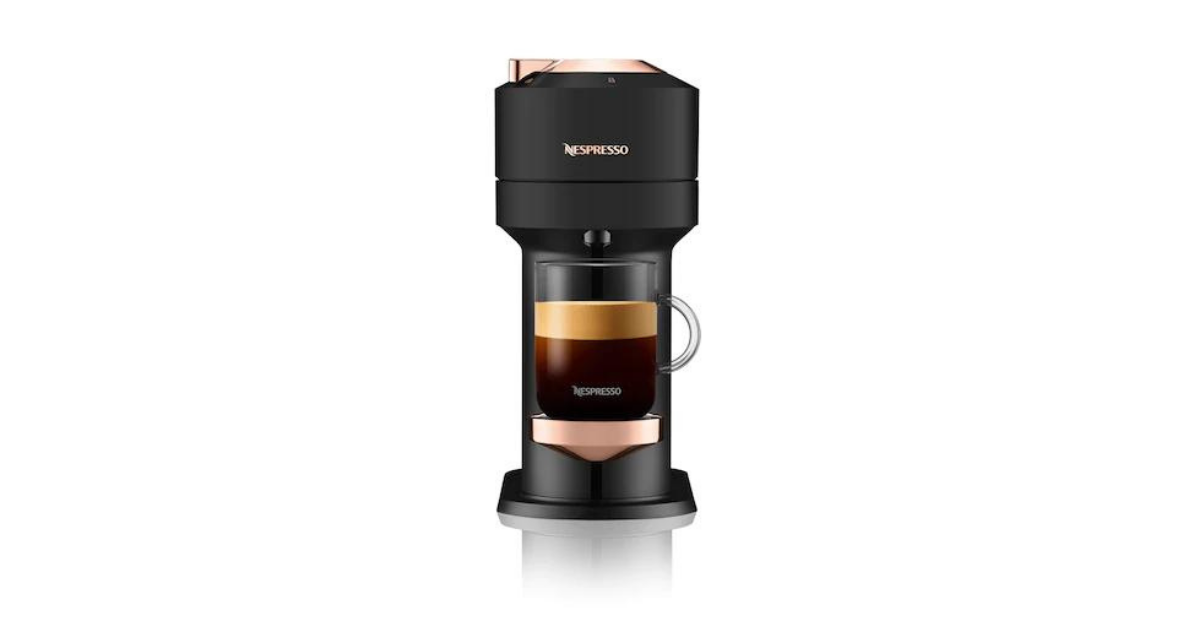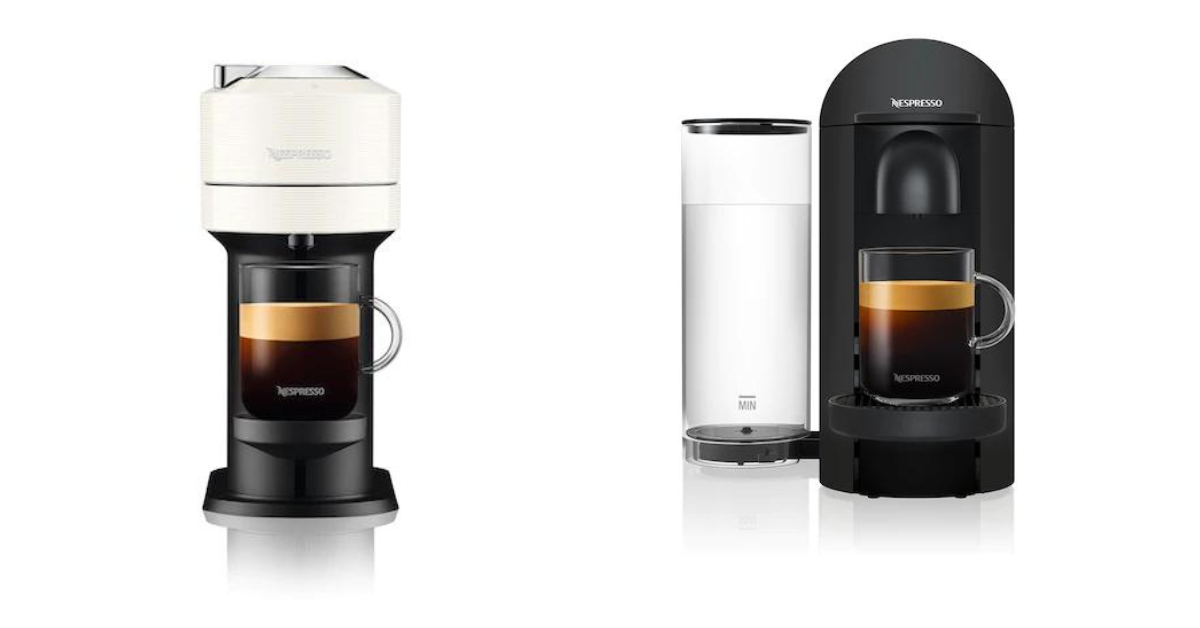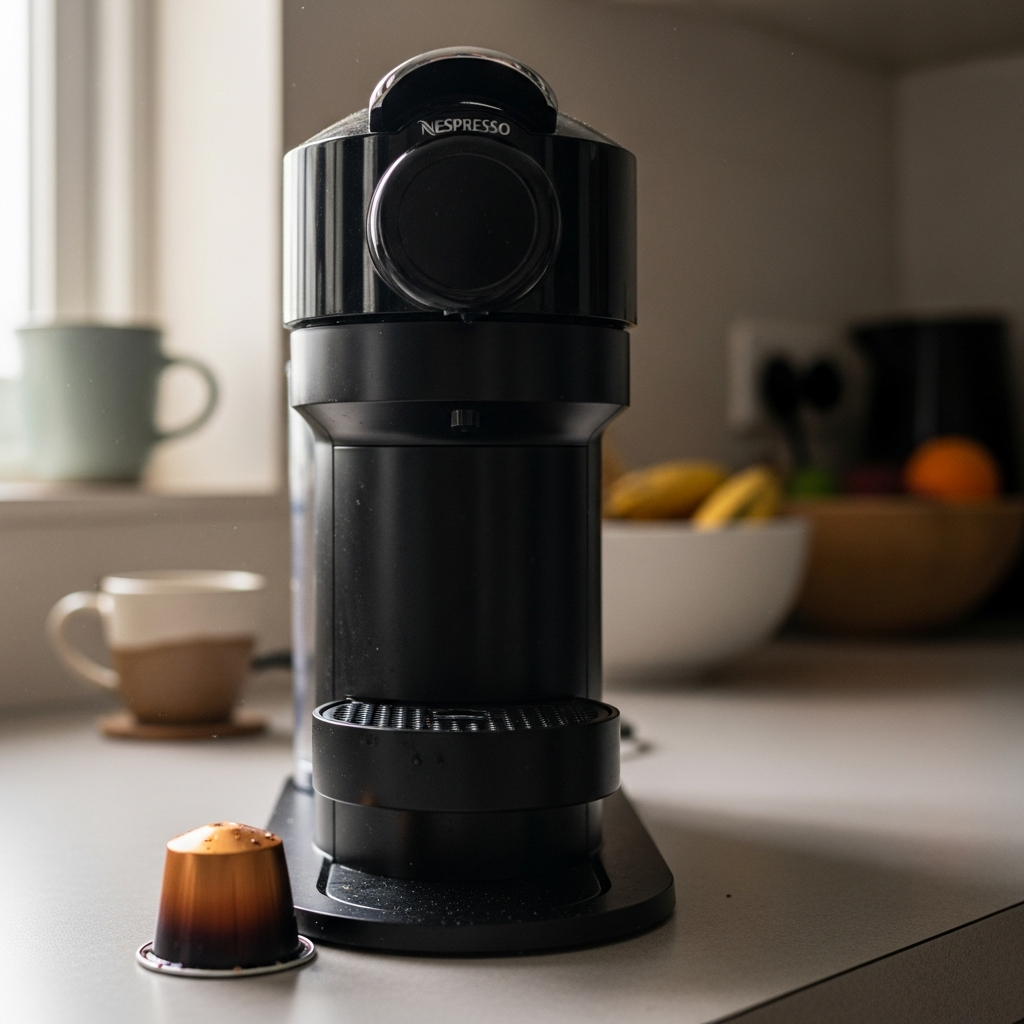
Nespresso Vertuo troubleshooting has gotten complicated with all the conflicting forum posts and YouTube rabbit holes flying around. As someone who’s used Vertuo machines since 2019 — went through a Vertuo Plus and now I’m on a Vertuo Next — I’ve learned pretty much everything there is to know about what goes wrong with these things. Today, I’ll share it all with you.
The Vertuo line is a different beast from the Original. Centrifusion technology spinning capsules at 7,000 RPM, barcode-based brew settings — it’s clever engineering, but it means a unique set of headaches when stuff breaks. I’ve hit most of these personally. Here are the eight most common Vertuo problems and exactly how to fix each one, ordered by how often they actually happen.
1. Nespresso Vertuo Won’t Turn On
You press the button. Nothing. No light, no sound, no sign of life. Alarming? Sure. But it’s usually something dumb.
Check these first:
- Power connection: Make sure the cord is actually plugged in firmly on both ends. On the Vertuo Next, the cord connects to the back and works itself loose if you’ve pushed the machine against a wall. Ask me how I know.
- Outlet: Try a different one. Plug something else into the same outlet to confirm it works.
- Auto-off timer: Vertuo machines shut themselves off after 9 minutes of inactivity by default. Your machine isn’t broken — it’s just asleep. One button press wakes it up.
Still won’t turn on?
- Unplug it. Wait a full 60 seconds.
- While it’s unplugged, open and close the head once. This resets the position sensor inside.
- Plug back in and try the button.
- Still nothing? Check your breaker panel. These machines draw 1200-1500 watts — if they’re sharing a circuit with a toaster or space heater, the breaker can trip.
Vertuo Next owners specifically: There’s a documented issue where the internal power connection loosens over time. If your Next is 1-3 years old and intermittently refuses to power on, this is probably it. It’s covered under the 2-year warranty, and Nespresso has been swapping out affected units.
2. No Coffee Coming Out (Pump Runs But Nothing Dispenses)
Motor running, capsule spinning, and… nothing in the cup. Maybe a few pitiful drops. This one’s usually an air lock, scale buildup, or a capsule issue.
Quick fixes to try:
- Pull the capsule out, close the head, run a water-only cycle. Repeat 3-5 times. You’re trying to push an air pocket through the system.
- Check the water tank — is it actually full and seated properly? The Vertuo Plus tank slides in from the back and needs to click. The Vertuo Next tank sits on the left side.
- If clearing the air lock doesn’t do it, your internal tubing is probably scaled up. Run a full descaling cycle. Our complete descaling guide has step-by-step instructions for your specific model.
We’ve got a whole separate article on this exact problem: Nespresso not pumping water — 7 fixes that actually work.
3. Half Cup or Short Pour
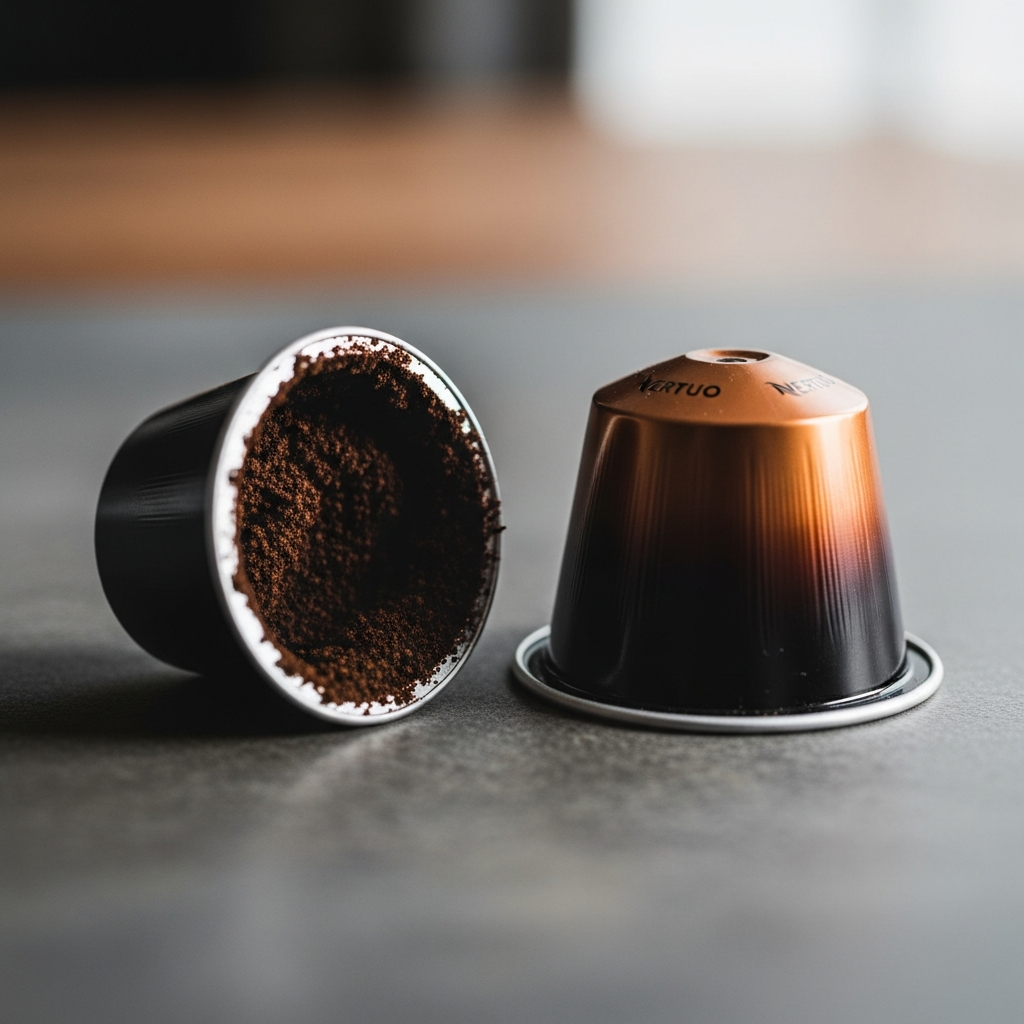
Machine brews, but you’re getting way less coffee than you should. For reference: an Espresso capsule should produce about 1.35 oz, Double Espresso about 2.7 oz, Gran Lungo about 5 oz, Mug about 7.77 oz, and Alto/Carafe around 14 oz. If you’re consistently short, something’s off.
What’s likely going on:
Barcode reading problem: The Vertuo reads a barcode on the rim of each capsule to figure out how much water to use. Damaged barcode, dirty reader, or weird third-party capsule = confused machine that defaults to a smaller pour.
- Try a different capsule from the same sleeve. If the new one works fine, the first was just defective.
- Clean the barcode reader inside the brew chamber with a soft, damp cloth.
- Stick with genuine Nespresso Vertuo capsules. Third-party Vertuo-compatible ones sometimes have barcode issues that confuse the machine.
Scale buildup: Partial blockage in the thermoblock or tubing slows water flow. Machine times out before the full volume gets delivered. Descaling usually fixes this.
Low tank: If the tank runs dry mid-brew, the machine stops dispensing. Always start with a full tank for larger sizes — Mug, Alto, Carafe.
4. Nespresso Vertuo Leaking Water
Where the leak is coming from tells you what’s wrong. Big difference between bottom-of-machine leaking and capsule-area dripping.
- Leaking from the capsule area during brewing: Capsule isn’t seated right, or the silicone seal around the brewing chamber is worn or gunked up. Open the head, pull the capsule, check the seal. Wipe it down with a damp cloth. If it’s cracked or warped, call Nespresso for a replacement part.
- Leaking from the bottom: Could be a cracked internal hose or (more likely) a drip tray that’s full. Check the drip tray first — I know, obvious, but you’d be surprised. If it’s not that, this probably needs professional service.
- Water around the tank: The tank-to-machine connection isn’t sealing. Remove the tank, dry both connection points, reattach firmly.
For every type of Nespresso leak covered in detail, check our Nespresso leaking water guide.
5. Capsule Not Recognized (Barcode Error)
The Vertuo’s centrifusion system depends on reading that barcode on the capsule rim. Can’t read it? You’ll get a blinking orange light or the machine flat-out refuses to brew.
Why it happens:
- Coffee crud on the barcode reader inside the chamber
- Damaged or poorly printed barcode on the capsule itself
- Third-party capsules with non-standard barcodes
- Capsule inserted upside down (flat foil side should face up on most Vertuo models)
How to fix it:
- Open up and pull the capsule. Look at the rim — barcode damaged, scratched, wet? Try a fresh one.
- With the head open, find the barcode reader (small lens area inside the chamber). Wipe it gently with a damp cloth or cotton swab.
- Double-check capsule orientation. Vertuo Next: flat/foil side up, dome down. Vertuo Plus: capsule drops into a holder — make sure it’s sitting flat, not tilted at an angle.
- If you’ve been using third-party capsules, test with an official Nespresso one to rule out compatibility.
More on the orange light patterns that signal barcode errors in our Nespresso blinking orange light guide.
6. Unusually Loud Noise During Brewing
Vertuo machines are louder than Original-line by nature — spinning a capsule at thousands of RPM makes noise. That’s normal. But if yours suddenly got louder, or it’s making grinding, clicking, or rattling sounds, something might be up.
Normal Vertuo sounds:
- High-pitched whirring during brewing (centrifusion motor) — totally normal
- Brief clicking on startup (pump priming) — normal
- Low hum during heating — normal
Not normal:
- Loud grinding or scraping: Capsule probably isn’t seated right and is catching the chamber wall during rotation. Eject it, check for debris, try a new capsule.
- Repeated clicking without brewing: Pump trying to pull water but can’t. Air lock or empty tank. Fill up and run water-only cycles to clear it.
- Vibrating or rattling: Machine might not be on a level surface, or the capsule container is loose and vibrating. Check that everything’s flat and snug.
- High-pitched squealing: Could be a worn pump or mineral deposits messing with the motor. Try descaling first. If it doesn’t stop, the pump may need service.
7. Weak or Watery Coffee
I’m apparently pretty sensitive to weak coffee, and watery Vertuo shots are the thing that bugs me most. If your coffee’s coming out thin and lifeless with barely any crema, here’s what to look at.
Machine hasn’t fully heated: If you hit brew the instant after turning on, the water might not be hot enough. Wait for the solid green light — that means the thermoblock is ready. On cold mornings, this can take an extra 20-30 seconds.
Scale buildup killing your temperature: Mineral deposits insulate the thermoblock, preventing proper heating. Subtle issue — the machine seems fine, but water is 5-10 degrees cooler than it should be, producing under-extracted, watery results. Descaling fixes it.
Old capsules: Nespresso capsules have a shelf life of 8-11 months from production, but once they’re past the date or if the foil seal is compromised, the grounds go stale. Check the box date and inspect each capsule’s foil for punctures or dents.
Centrifusion not spinning right: If the motor isn’t hitting correct RPM, extraction suffers. You’ll notice less crema than usual. Try a factory reset (see the instructions in our orange light guide). If it keeps happening, the motor may need professional attention.
For understanding the brewing differences between Vertuo and Original, check our Nespresso Vertuo vs Original comparison.
8. Error Lights (Orange, Red, or Blinking Patterns)
Vertuo machines talk to you through their status light. Color, blink pattern, speed — it all means something different.
- Solid orange: Time to descale.
- Blinking orange (2x): Machine overheating — let it cool down for 15-20 minutes.
- Blinking orange (3x): Capsule jam or barcode reader error.
- Fast continuous orange blink: System error — needs a factory reset.
- Pulsing orange: Machine is in descaling or cleaning mode.
- Red or red/yellow: Something more serious — see our red and yellow light guide.
We’ve got a full guide breaking down every orange pattern: Nespresso blinking orange light — what every pattern means.
How to Factory Reset Your Nespresso Vertuo
Probably should have led with this section, honestly. A factory reset fixes a surprising number of Vertuo problems. It clears the internal error state and resets everything to defaults — cup size customizations, descaling counters, all of it.
Vertuo Next reset:
- Turn the machine off (hold the button until the light goes dark).
- Press and hold the button for 7 seconds. Light blinks orange rapidly.
- Release. Within 2 seconds, press the button 3 times quickly.
- Light blinks orange 3 times to confirm, then the machine restarts.
Vertuo Plus reset:
- Open the machine head (lever up).
- Press and hold the button for 3 seconds.
- While still holding, close the head (push the lever down).
- Release the button. Light blinks 5 times to confirm.
Vertuo Pop reset:
- Turn the machine off.
- Press and hold the button for 7 seconds until the light turns on and blinks.
- Release, then press 3 times within 2 seconds.
- Light blinks to confirm the reset.
When to Contact Nespresso Support
Most of the stuff above you can handle yourself. But some situations genuinely need professional help:
- Machine won’t power on after you’ve checked all connections and tried different outlets.
- Factory reset doesn’t clear the error lights.
- You see or smell smoke. (Unplug immediately.)
- Consistent leaking from the bottom — not the drip tray area.
- Coffee quality keeps degrading even with fresh capsules and a recent descale.
- Your machine is under 2 years old — Nespresso’s warranty covers defects, and they’re honestly pretty generous with replacements.
Nespresso support: 1-877-964-6299 (US) or through the Nespresso app. Have your serial number ready — it’s on the bottom of the machine or on a sticker near the water tank.
For a broader look at all Nespresso problems including Original-line machines, check our Nespresso troubleshooting hub.
Wrapping Up
That’s what makes the Vertuo system endearing to us coffee nerds — it’s more complex than the Original line, but that complexity means more precise extraction when everything’s clicking. The machine brews differently for every capsule type based on that barcode. Pretty cool, actually.
In my experience, most problems trace back to three root causes: scale buildup (descale every three months, seriously), capsule or barcode issues (use genuine capsules and keep the reader clean), and air locks (don’t let the tank run dry mid-brew). Handle those three things proactively and you’ll dodge 90% of the issues I listed above. For the other 10%, a factory reset usually does the trick. And if it doesn’t? Nespresso’s support team has seen it all before — they’ll sort you out.