If your Nespresso is not working, start with the water tank, capsule, machine head, and lock before resetting anything. Then match the symptom and exact model—Original, Vertuo, VertuoPlus, Next, or Pop—because their lights and button sequences differ.
This 2026 troubleshooting guide covers the safe first checks for the most common Nespresso problems and links to detailed, model-specific instructions when a full procedure is needed.
Nespresso Troubleshooting Quick Chart
| Problem | First checks | Detailed guide |
|---|---|---|
| No coffee or weak flow | Fill and reseat tank; remove capsule; clean outlet; run the correct rinse cycle | Vertuo Next not working |
| Blinking orange light | Match the exact blink speed and sequence | Orange-light pattern guide |
| Needs descaling | Use Nespresso solution and your model’s procedure; do not use vinegar | Descale Vertuo models |
| Water or coffee leaking | Reseat tank, check capsule, clean seals and drip tray | Nespresso leaking guide |
| Aeroccino will not froth | Check whisk, milk level, contacts and jug temperature | Aeroccino fixes |
1. Nespresso Has Power but Will Not Brew
- Fill the water tank with fresh water and press it firmly into position.
- Open the head or lever, eject the used capsule, and check for a capsule stuck at an angle.
- Wipe loose coffee grounds from the capsule area with a soft, damp cloth. Do not reach into sharp piercing parts.
- Close and lock the machine completely.
- Unplug it for 10 seconds, reconnect it, and let it reach its normal ready light.
If the pump runs but no water moves, the water path may contain air after the tank ran empty. Use the water-only rinse or cleaning procedure in the manual for your exact model. Do not repeatedly force a brew with a capsule installed.
2. Nespresso Blinking Lights
Do not diagnose a Nespresso light by color alone. The timing is the code. On applicable single-button Vertuo machines, two quick orange blinks followed by a long pause indicate an error, a fading orange light indicates cooling, and a repeating 1.5-second-on/0.5-second-off pattern can indicate an empty tank. Three orange blinks followed by steady white are a descaling alert on current Vertuo Next and Pop models.
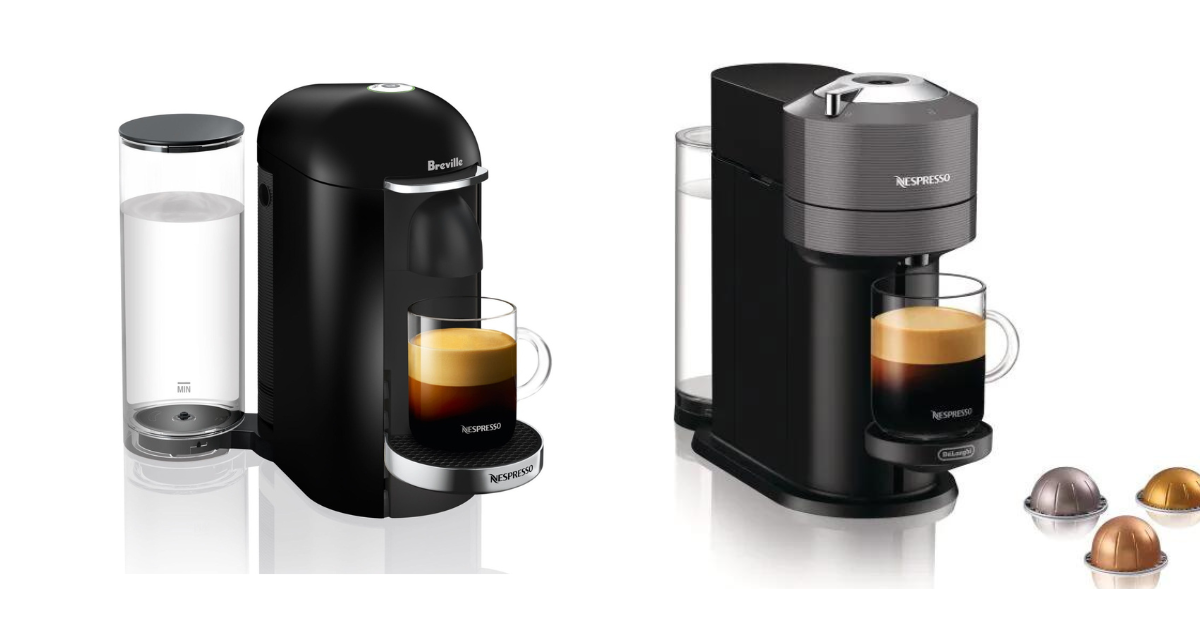
VertuoPlus is different: its descaling warning is a steady half-red/half-green light. Original machines use their own two-button combinations. Use our Nespresso orange-light chart and confirm the model label beneath or behind the machine.
3. Coffee Comes Out Slowly or Tastes Wrong
Slow flow, reduced volume, or stale flavors usually point to coffee residue, mineral scale, an incorrectly seated capsule, or a tank that is not feeding properly.
- Eject the capsule and clean removable parts with warm water and mild, odorless detergent.
- Run the correct water-only Nespresso cleaning cycle.
- If the machine displays its descale alert, use Nespresso descaling liquid and the exact model procedure.
- Do not use vinegar, abrasive cleaners, or put the machine in a dishwasher.
Cleaning removes loose coffee residue; descaling dissolves mineral buildup inside the water path. One does not replace the other.
4. Nespresso Coffee Is Not Hot Enough
- Preheat the cup with hot water, then empty and dry it before brewing.
- Use a smaller cup so the drink loses less heat.
- Descale when the machine signals that it is due; scale can reduce heating and water flow.
- If every drink is unusually cool after descaling and preheating, contact support instead of opening the machine.
5. Nespresso Is Leaking
First identify where the liquid starts. Clear water beneath the rear tank usually means the tank is misaligned, overfilled, cracked, or its valve is not seating. Coffee around the capsule area can result from a damaged or misplaced capsule, grounds on the sealing surface, or a head that is not fully locked.
Unplug the machine, empty the drip tray, reseat the tank, and clean visible grounds with a soft damp cloth. Stop using it and contact Nespresso if water reaches the power cord or base, a seal is visibly damaged, or leaking continues. See the full Nespresso leak checklist.
6. Capsule Will Not Pierce or Eject
- Switch off and unplug the machine before clearing a stuck capsule.
- Open the lever or head fully and allow the capsule to drop into the used-capsule container.
- Never use a knife, screwdriver, or other metal tool near the piercing mechanism.
- Use a new, undamaged capsule of the correct Original or Vertuo format.
If the mechanism will not open normally, do not force it. A jammed or damaged head needs Nespresso support.
7. Nespresso Will Not Turn On
- Test the outlet with another appliance and reconnect the plug directly.
- Wake the machine using the control specified in its manual; many models enter an automatic energy-saving mode.
- Let an overheated machine cool before trying again.
- Do not use an extension cord, open the casing, or attempt internal electrical repairs.
When to Contact Nespresso
Contact support when the same error returns after the basic checks, the head will not lock, the machine leaks near electrical parts, or it makes grinding or other unusual mechanical sounds. In the United States, Nespresso lists 877-964-6299 for Vertuo support and 800-562-1465 for Original support. Have the model and serial number ready.
The safest troubleshooting sequence is simple: confirm the model, check water and capsule placement, match the light pattern, clean or descale only when indicated, and stop before forcing a mechanical or electrical part.