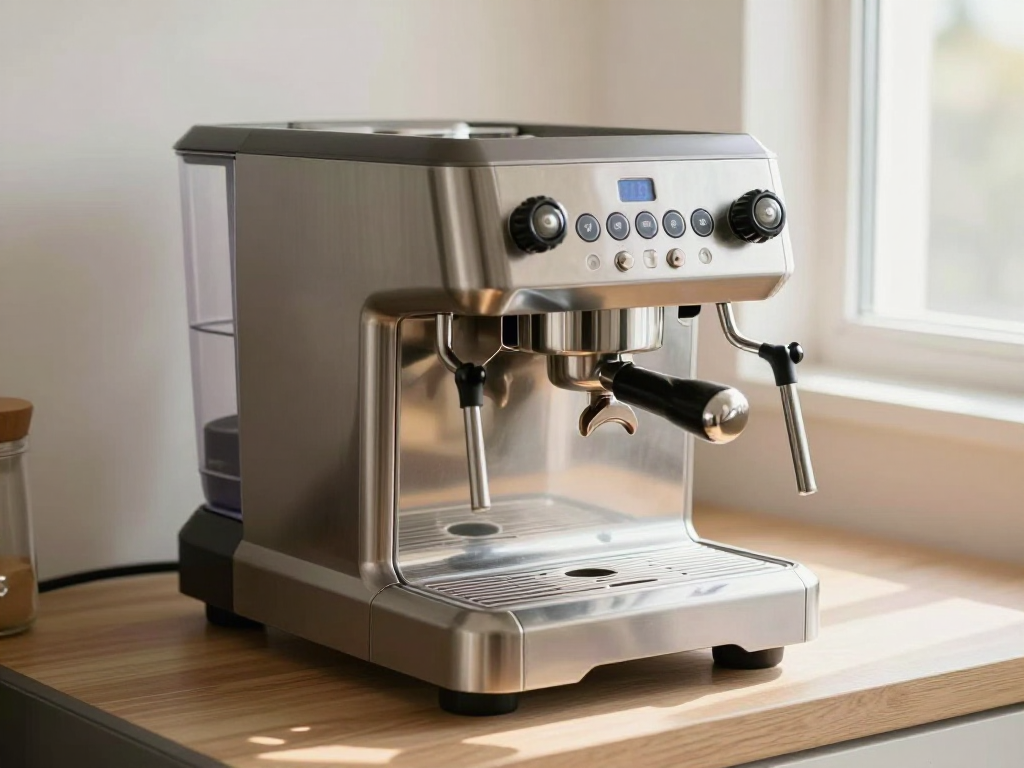
Mineral scale from tap water can build up inside a Philips 3200 LatteGo over time, reducing brew quality and shortening the machine’s life. The Calc/Clean indicator light on the control panel is the machine’s way of telling you that descaling is needed. The official Philips procedure has two distinct phases: a descaling phase and a rinsing phase. The following steps are taken from the Philips US support page (usa.philips.com/c-f/XC000004201/how-to-descale-my-philips-espresso-machine) and apply to the EP3241/54 and EP3241/74 models.
What You’ll Need
- Philips CA6700 descaler – one full bottle per cycle (use the entire bottle as the source states).
- Fresh tap water – enough to fill the tank to the Calc/Clean line twice.
- A container or bowl that holds at least 1.5 L for the descaling solution.
- If you use a Philips AquaClean filter, have a replacement ready for after the cycle.
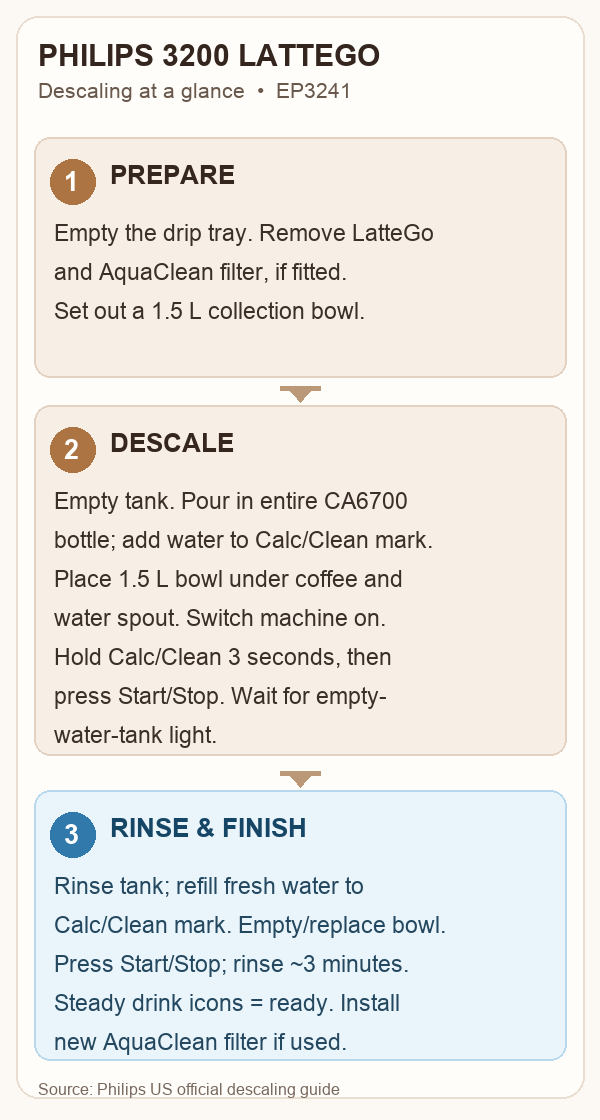
LatteGo‑Specific Preparations
- Empty the drip tray and place it back in the machine.
- If the LatteGo milk system (or classic milk frother) is attached, remove it from the machine before proceeding.
- If an AquaClean water filter is installed in the water tank, remove it from the tank.
Descaling Phase
- Empty the water tank completely. Pour the entire bottle of Philips descaler into the tank. Then add fresh water to the descaling solution in the water tank up to the Calc/Clean fill line on the tank. Replace the tank in the machine.
- Place a collection bowl or container with a minimum capacity of 1.5 L under the coffee and water spout to collect the descaling solution output.
- Switch the machine on.
- Press and hold the Calc/Clean icon on the control panel for 3 seconds. Then press the start/stop button to start the descaling procedure.
- The Calc/Clean light on the control panel will flash while descaling is in progress. The machine dispenses small amounts of liquid through the coffee and hot water spout automatically.
- Let the machine continue dispensing the descaling solution until the water tank is empty. When the tank is empty, the empty water tank light icon illuminates – this signals the end of the descaling phase.
- Remove the collection bowl from under the spout.
- Remove the water tank. Rinse it with fresh water.
- Fill the water tank with fresh water up to the Calc/Clean indicator line. Replace the tank in the machine.
- Place the emptied collection bowl back under the coffee and water spout.
Rinsing Phase
- Press the start/stop button to start the rinsing cycle. The rinsing process takes about 3 minutes.
- During the rinsing cycle, the lights on the control panel go on and off to show that rinsing is in progress. Do not interrupt the cycle.
- Once the machine stops dispensing water, the descaling process is complete. The machine heats up automatically.
- When the drink icon lights on the control panel illuminate continuously (steady, not flashing), the machine is ready for use.
- If the AquaClean indicator light flashes after the cycle, install and activate a new AquaClean water filter in the water tank.
How to Know the Cycle Is Complete
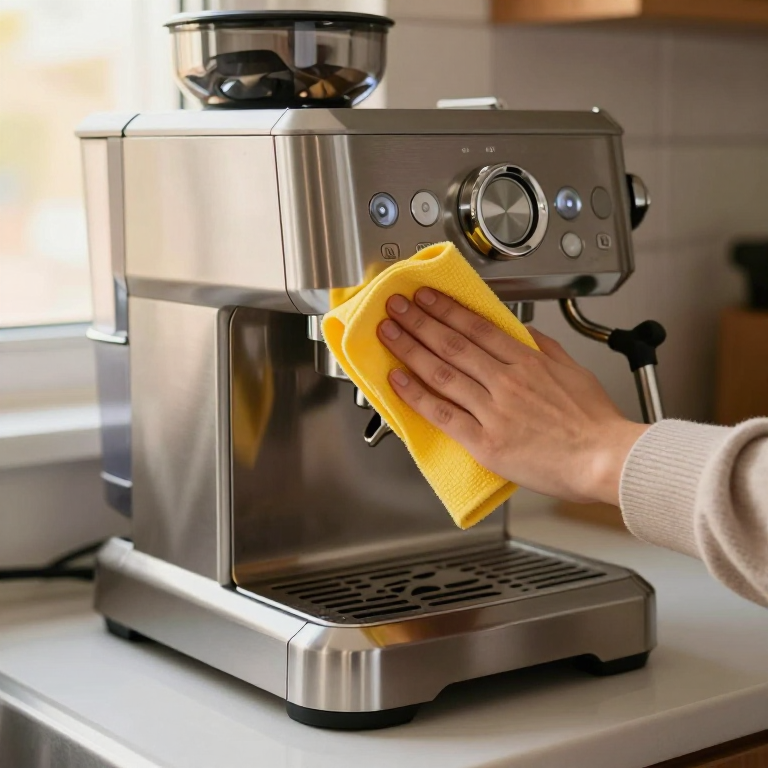
The machine stops dispensing, heats up automatically, and the drink icon lights illuminate steadily. If the AquaClean light is flashing, install a new filter. Once the steady lights appear, you can brew again.
Limitations of the Source
- The official Philips page does not provide a total duration for the descaling dispensing phase; only the rinsing phase is stated as “about 3 minutes.”
- The page references the Philips CA6700 descaler but does not specify its bottle volume; the instruction is to pour the entire bottle.
- No firsthand testing of the Philips 3200 LatteGo descaling procedure is claimed in the source.
Follow these steps exactly as written to keep your Philips 3200 LatteGo running smoothly and to avoid common pitfalls such as forgetting to remove the LatteGo milk system or the AquaClean filter before descaling.