Why Clean Your Precision Brewer Thermal?
The Breville Precision Brewer Thermal (BDC450/BDC455) is SCA‑certified for brew temperature and flow. Those specifications hold only when the machine is clean and free of scale. Regular cleaning and descaling keep the brewer’s performance and taste consistent.
Daily Care – What to Do After Every Brew
- Carafe and Lid: Immediately empty the carafe. Do not let brewed coffee stand overnight, or the carafe will stain. Rinse the carafe and lid under warm running water. For a deeper clean, wash with warm, soapy water using a soft bristled brush, then rinse and dry thoroughly. Source
- Basket and Mesh Filter: Allow the basket to cool after brewing (it may be very hot). Remove the basket, discard grounds and used filter paper. Rinse the basket and mesh filter under running water, checking that the fine holes are clear. For a deeper clean, wash with warm, soapy water and a soft bristled brush. Source
Periodic Maintenance – Keep the Exterior and Showerhead Clean
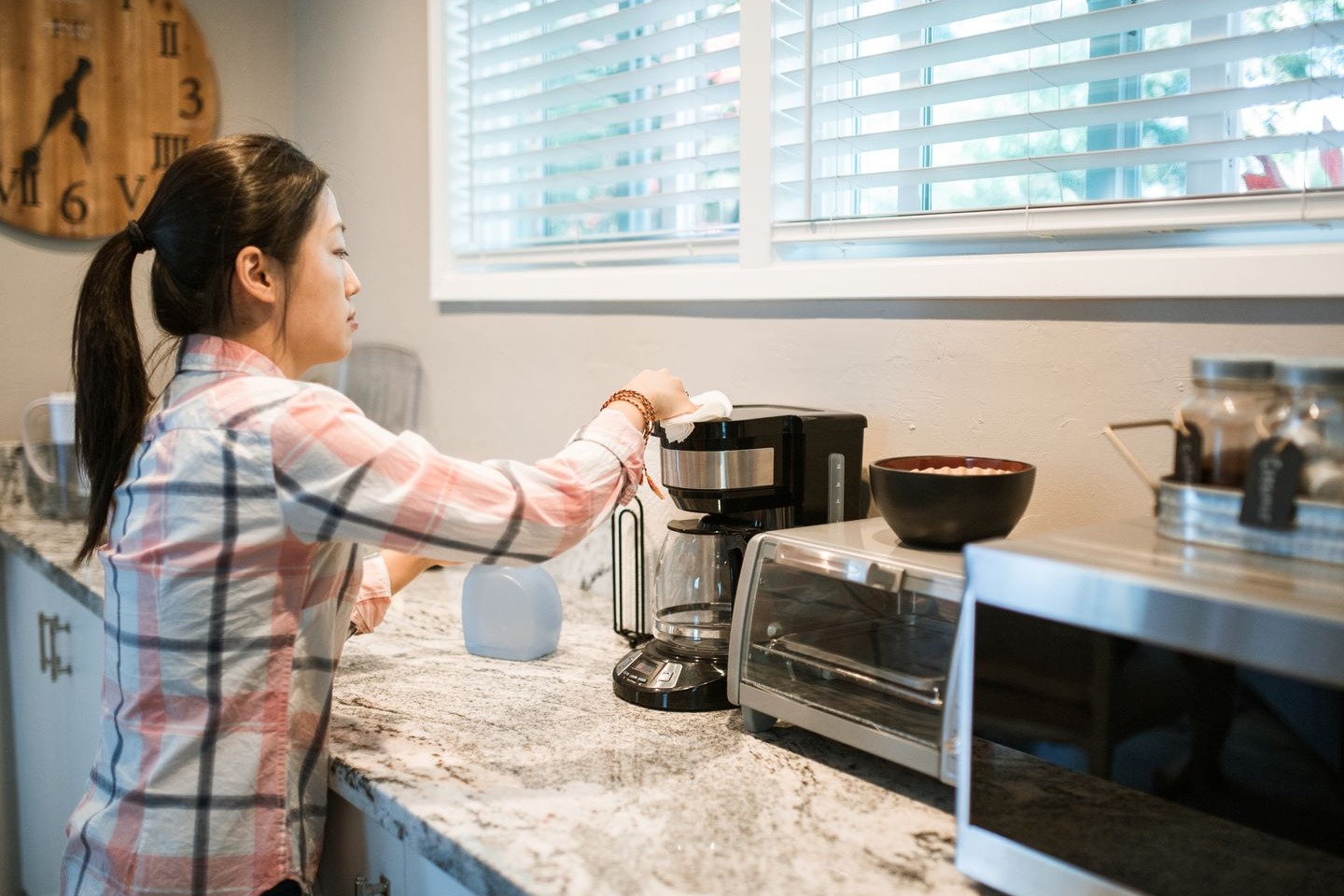
- Outer Housing & LCD: Wipe the outer housing and LCD screen with a soft, damp cloth. Apply cleaner to the cloth, not directly to the LCD. Polish dry with a soft, dry cloth. Avoid paper towels or abrasive cloths. Source
- Showerhead: Periodically wipe down the showerhead area with a soft damp cloth. For a deeper clean, rotate the showerhead ring clockwise to unlock it, remove the showerhead, clean it, then reinstall and re‑secure the ring. Source
- Water‑Tank Sensor: If the LCD shows “FILL TANK” while water is present, wipe the sensor prisms in the tank with a cloth. Source
Descaling – When and How to Run the Cycle
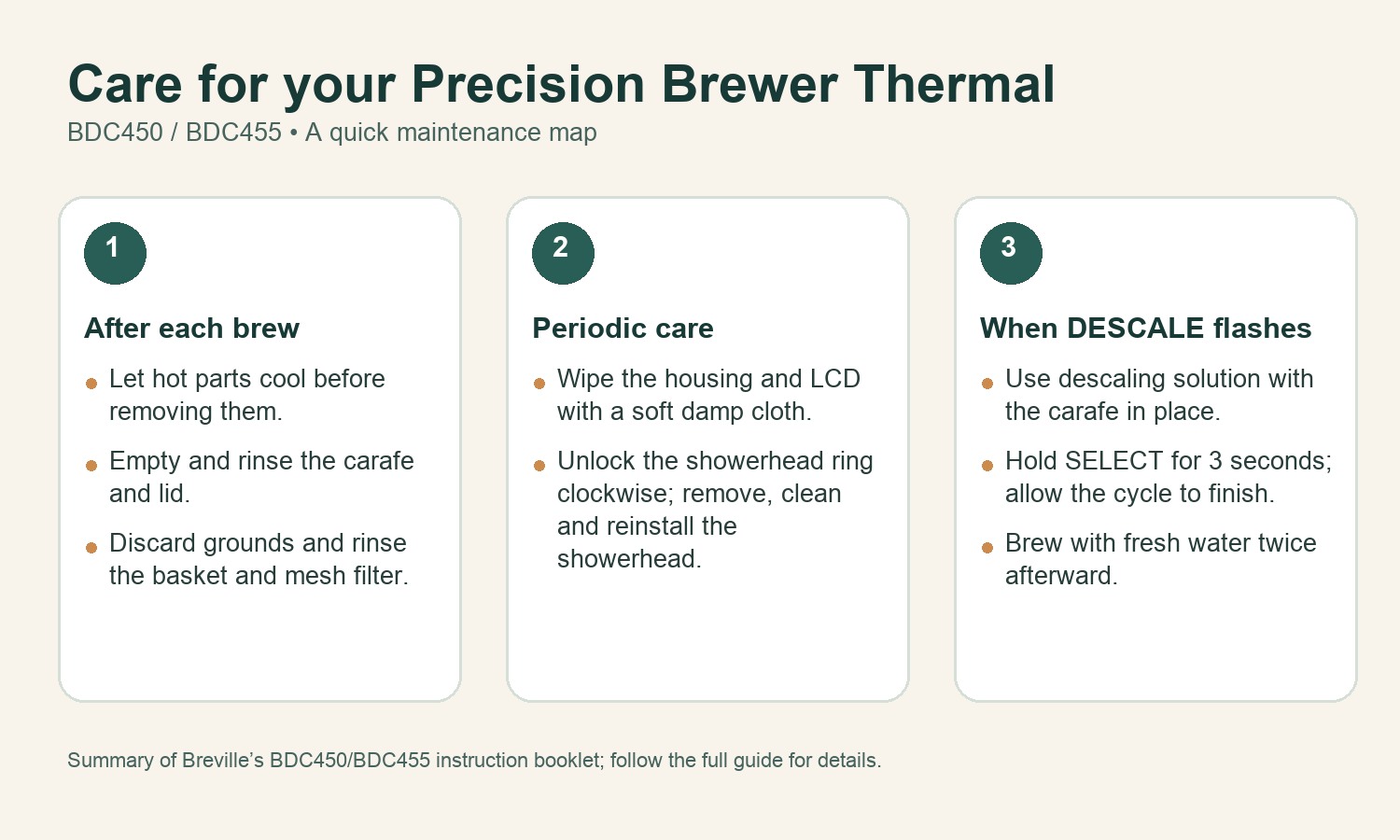
The LCD will flash DESCALE when mineral buildup affects brewing performance. Follow these steps from the instruction booklet:
- Empty the water tank completely.
- Prepare a descaling solution according to the product’s instructions. Pour the solution into the empty tank. Source
- Place the coffee basket in the machine and position an empty carafe under the drip‑stop outlet. Lock the carafe lid securely.
- Press the SELECT button for 3 seconds to start the descaling cycle. The LCD will show “dSL” for 1 second and then display the remaining time. Source
- Allow the cycle to run to completion – it takes approximately 15 minutes. The cycle cannot be stopped mid‑way via the interface; unplug the machine only if a force stop is necessary. Source
- When the LCD returns to the main menu, follow the booklet for removing residual tank water. Then brew with fresh water twice; discard the water from the carafe and rinse the carafe after each run. Source
Water Hardness – How It Affects Descaling Frequency
The machine ships with a water hardness test strip. On first power‑on, the LCD displays “HArd” and prompts you to configure the hardness level. Dip the test strip in the reservoir for 1 second, wait 1 minute, count the red dots, then rotate and press SELECT to set the level. Hard water requires more frequent descaling because mineral buildup occurs faster. Source
Troubleshooting Quick‑Reference
- DESCALE flashing – Descale the unit.
- Excessive steam during brewing – Scale buildup; descale.
- FILL TANK warning with water present – Wipe sensor prisms.
- Showerhead falls out – Wash ring and seal, then re‑insert.
- Coffee leaking from basket when removed – Clean the basket drip‑stop seal by inverting the basket and rinsing into the seal.
Conclusion
Following the official Breville Precision Brewer Thermal cleaning and descaling routine keeps the brewer’s SCA‑certified performance intact. All steps above are sourced from the Breville instruction booklet (BDC450_455_USC_IB_I20_HiRes.pdf) retrieved 2026‑10‑05. No firsthand testing is claimed.