Nespresso Vertuo orange lights have gotten complicated with all the vague YouTube tutorials flying around. As someone who’s owned a Vertuo Next since 2022 and a Vertuo Plus before that, I’ve seen just about every orange blink pattern there is — and I learned everything there is to know about what each one actually means. Today, I’ll share it all with you.
Here’s the problem: Nespresso doesn’t make decoding these signals easy. The manual buries light patterns in tiny diagrams, and their support site isn’t much help. So I put together a complete breakdown of every pattern — what it means, what’s causing it, and the exact steps to fix it.
Why Your Nespresso Has an Orange Light (Quick Overview)
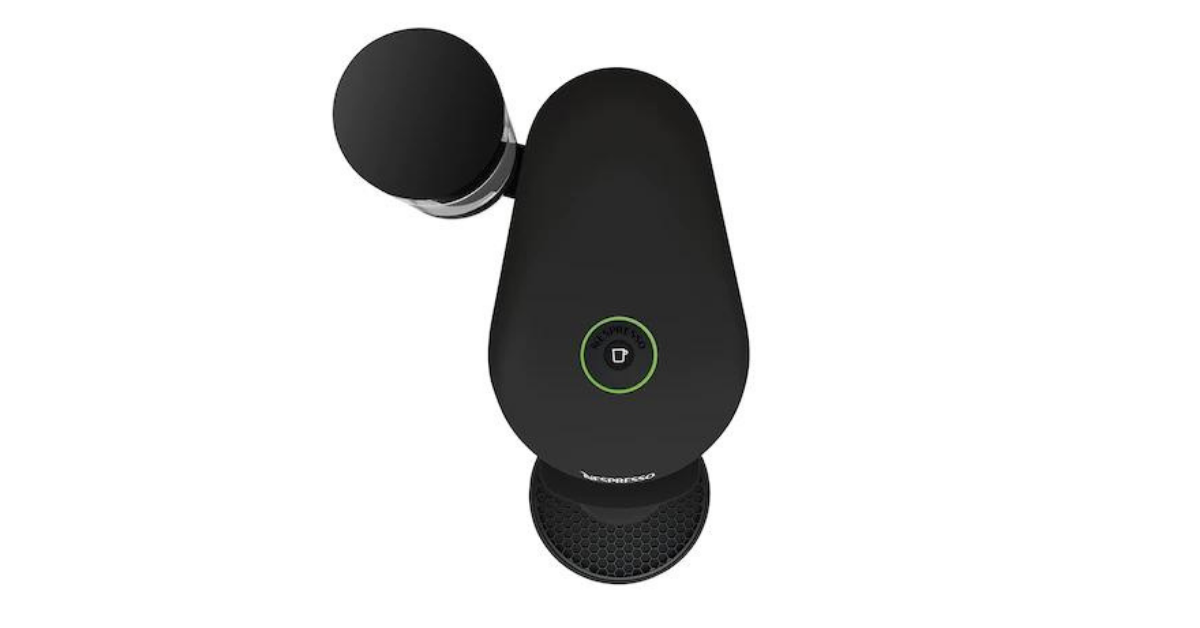
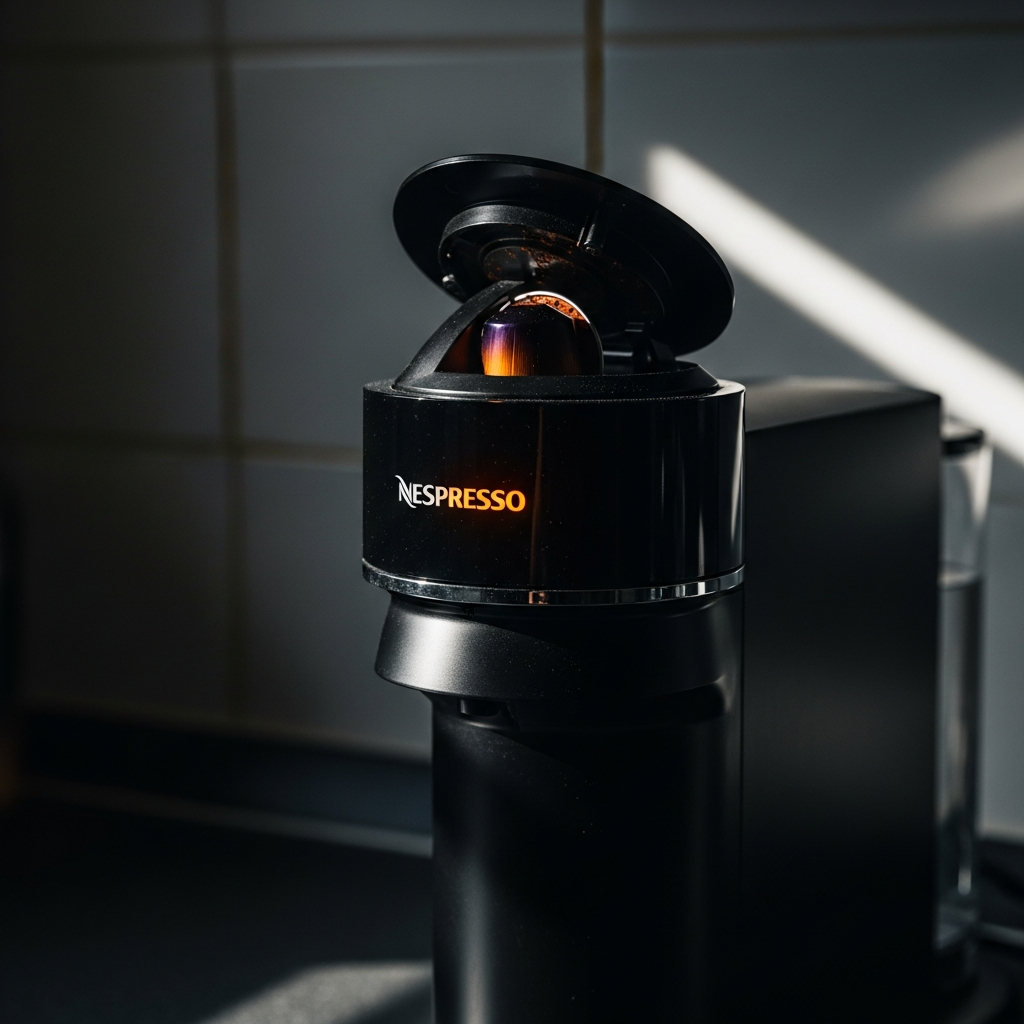
Vertuo machines use one single light (or light ring depending on model) to communicate everything. Green and solid = all good. Orange = something needs attention. The number of blinks, the speed, and whether it’s steady or pulsing all mean different things. Let me walk through each pattern.
Steady Orange Light (Not Blinking)
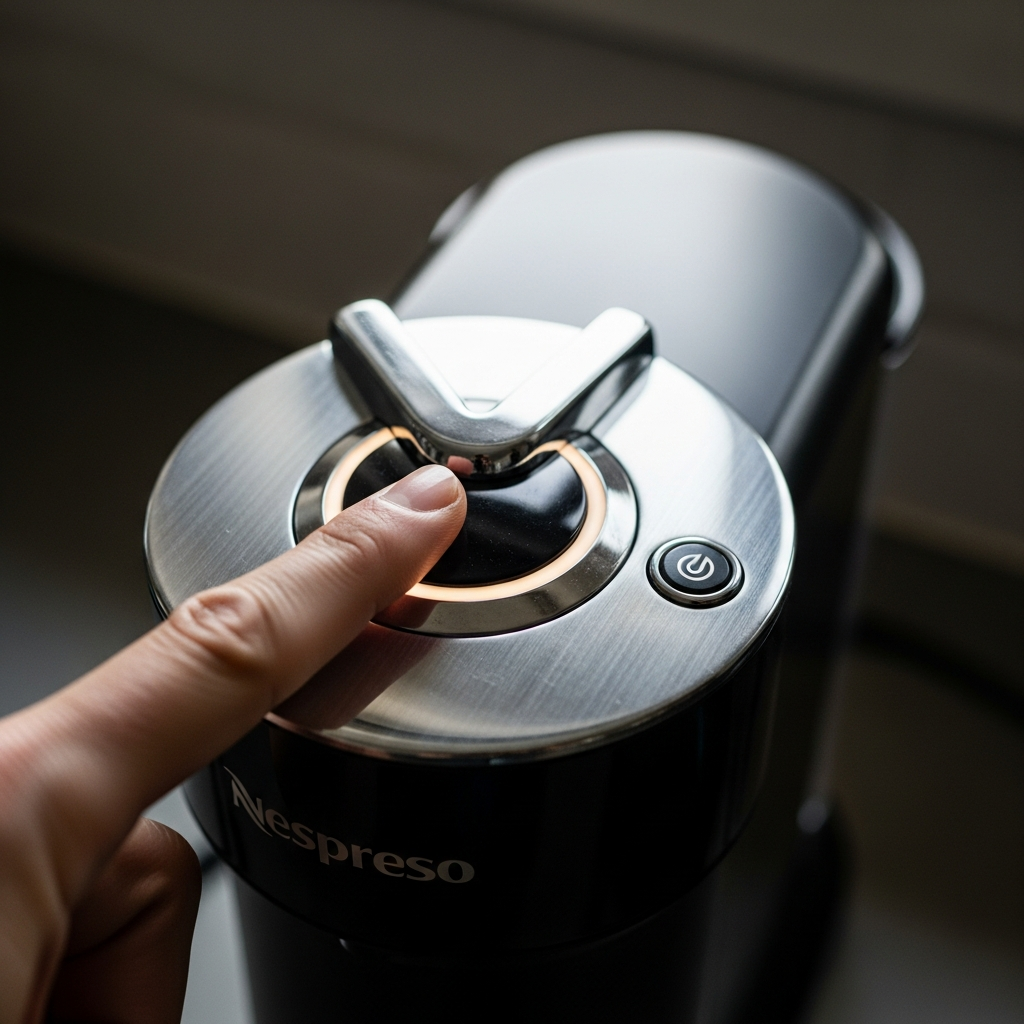
Solid orange that doesn’t blink? Your machine needs descaling. This is the most common orange light you’ll hit, and it’s a maintenance reminder rather than an actual error.
What’s going on: Internal counter tracks how many capsules you’ve brewed. After about 300 (roughly 3 months of regular use), it triggers the alert.
How to fix it:
- Grab Nespresso’s descaling solution or mix white vinegar and water 50/50.
- Empty capsule container and drip tray.
- Fill tank with the solution.
- Put a big container (at least 34 oz) under the coffee outlet.
- Enter descaling mode: machine off, press and hold the button 7 seconds until the light blinks rapidly.
- Lock the head in brew position — no capsule — and press the button to start.
- Once tank is empty, refill with fresh water and run the rinse cycle.
- Orange light should clear after the full process.
For a complete walkthrough by model, check our Nespresso cleaning cycle guide. We’ve also got a dedicated descaling guide for every Nespresso model.
Blinking Orange Two Times Then Off (2x Blink Pattern)
Blinks twice, pauses, repeats. Your machine is overheating.
What’s going on: Thermoblock exceeded its safe operating temp. Happens after brewing several cups back-to-back (especially large sizes like Alto or Carafe), or if the machine is in direct sun or next to another heat source.
How to fix it:
- Stop brewing. Let the machine sit idle 15-20 minutes.
- Make sure it’s not near a heat source, in sunlight, or pushed against a wall blocking ventilation.
- Room unusually hot (above 85 F)? Try moving the machine somewhere cooler.
- After waiting, press the button. Solid green? Good to go.
- Still doing 2x blink after 30 minutes? Unplug for 10 minutes, plug back in.
When to worry: If it consistently overheats after just one or two cups, internal scale buildup may be insulating the thermoblock and trapping heat. A thorough descale often fixes chronic overheating. If that doesn’t help, the thermoblock itself may need service.
Blinking Orange Three Times Then Off (3x Blink Pattern)
Three blinks, pause, repeat. This is the error code pattern — and it can mean a few different things depending on model.
On Vertuo Next (ENV120, ENV135, ENV150): Usually a mechanical error during brew. Most common cause is a capsule that didn’t eject or got jammed.
On Vertuo Plus and Plus Deluxe: Often a barcode reader problem. The Vertuo spins capsules at up to 7,000 RPM while scanning a rim barcode for brew parameters. Dirty or obstructed reader = this error.
Fixing a capsule jam:
- Unplug. Wait 30 seconds.
- Open the head, check for a stuck capsule.
- Jammed? Gently wiggle and remove it. Never use metal tools — plastic spoon or fingers work fine.
- Check the capsule container below too. Used capsules sometimes get stuck between the ejection slot and container.
- Close head, plug in, try a new capsule.
Fixing barcode reader issues:
- Open head, look inside the brewing chamber for the small lens/sensor area — that’s the reader.
- Wipe it gently with a soft, damp cloth. Coffee residue builds up over time.
- Check the capsule itself. Damaged, dented, or third-party capsules with non-standard barcodes can trigger this.
- Try brewing with an official Nespresso capsule to rule out a compatibility problem.
Fast Continuous Orange Blinking
Rapid blinking, about twice per second, no pauses. The machine hit a more serious error and entered an error state.
What’s going on: This is essentially the Vertuo’s “something went wrong and I can’t figure out what” signal. Common triggers: failed firmware update (WiFi Vertuo Next models), motor that didn’t reach correct speed during centrifusion, or internal sensor glitch.
Try these in order:
Step 1: Factory reset. Procedure varies by model:
Vertuo Next: Machine off, press and hold button 7 seconds. Light blinks orange rapidly then goes solid. Release. Press button 3 times within 2 seconds. Light blinks 3 times to confirm, machine restarts.
Vertuo Plus / Plus Deluxe: Open head. Press and hold button 3 seconds. While still holding, close the head by pushing lever down. Release. Light blinks 5 times to confirm.
Vertuo (original round-head): Machine off, press and hold lever down while pressing button for 3 seconds. Release both. Light blinks 3 times to confirm.
Step 2: Factory reset didn’t work? Unplug completely. Wait a full 15 minutes — not 30 seconds, 15 minutes. Give the capacitors time to discharge. Plug back in, try again.
Step 3: Vertuo Next with WiFi? Check if a firmware update got interrupted. Connect to the Nespresso app via Bluetooth, machine settings, check for pending updates. Failed mid-update? Re-trigger it with the machine plugged in, phone nearby.
More troubleshooting for Vertuo machines in our Nespresso Vertuo not working guide.
Pulsing Orange (Fading In and Out)
A “breathing” light that smoothly fades in and out — not clicking on and off. Different from blinking. This means the machine is in a special mode.
What’s going on: Typically means the machine is in descaling or cleaning mode, waiting for you to finish a step. You may have accidentally entered descaling mode, or it’s mid-cycle waiting for fresh water.
How to fix it:
- If you were descaling: machine wants you to empty the drip tray, refill with fresh water, and press the button for the rinse cycle.
- Accidentally in descaling mode? Press and hold the button 7 seconds on most models. Machine exits the special mode.
- Vertuo Next: press and hold 7+ seconds until light changes. If that fails, turn off, wait 10 seconds, turn on.
- Vertuo Plus: open head, press button once, close head. Resets the brew cycle state.
Orange and White Light Alternating (Vertuo Next Only)
Unique to the Vertuo Next, which has a multi-color LED. Orange and white alternating = firmware updating via WiFi.
What’s going on: The Next is the only Nespresso with WiFi and Bluetooth. Nespresso occasionally pushes firmware updates for brew temperatures, bug fixes, and new capsule compatibility.
What to do:
- Do not unplug. Interrupting a firmware update can brick the machine or trigger the fast-blink error.
- Wait. Most updates take 5-15 minutes.
- When done, light goes solid green or turns off.
- Been going for 30+ minutes? Update may have stalled. At that point, unplug 15 minutes, plug back in, connect via Nespresso app to re-trigger.
Half Orange, Half Green (Split Light)
Some newer Vertuo models show a split light — half orange, half green. Actually a normal status indicator: water tank is low or empty.
Fix: Refill the tank, push it firmly back in. Make sure it clicks into place — Vertuo Plus slides in from the back, Vertuo Next sits on the side with the bottom seal needing alignment.
Red and Orange Light Together
Red and orange simultaneously, or a light that shifts between the two — usually means a more serious internal error. Heating element or pump issue.
We’ve got a separate guide for red lights: Nespresso red and yellow light meanings.
Quick fix attempt:
- Unplug 15-20 minutes.
- Remove tank, empty, clean, refill fresh.
- Remove and empty capsule container and drip tray.
- Plug in, attempt factory reset (instructions in the fast-blink section above).
- Light persists? This likely needs Nespresso service, especially under warranty.
Quick Reference: Orange Light Cheat Sheet
Every pattern, what it means, what to do first:
- Solid orange: Descaling needed — run a descale cycle
- 2x blink, pause, repeat: Overheating — let it cool 20 minutes
- 3x blink, pause, repeat: Capsule jam or barcode error — clear the jam, clean the reader
- Fast continuous blinking: System error — factory reset
- Pulsing/breathing: In special mode (descaling) — finish the cycle or exit with a long press
- Alternating orange/white: Firmware update (Vertuo Next) — wait, don’t unplug
- Half orange, half green: Low water — refill the tank
- Red and orange: Hardware error — unplug 15 min, reset, or call support
When to Contact Nespresso Support
Most orange lights are fixable at home. But call them if:
- Light persists after factory reset AND a full descaling cycle.
- Unusual grinding, clicking, or buzzing along with the orange light.
- Vertuo Next firmware updates keep failing.
- Machine leaks while showing any orange pattern.
- Machine is under 2 years old — still on Nespresso’s warranty.
Reach them at 1-877-964-6299 (US) or the Nespresso app’s chat. They’re generally responsive and will often send a replacement if the issue can’t be fixed remotely, especially under warranty.
Preventing Orange Light Issues
From my experience with two Vertuo machines over four years, most orange light problems come down to maintenance. Here’s what keeps the lights green:
- Descale every 3 months or 300 capsules, whichever comes first. Don’t skip. Mineral buildup causes more Vertuo issues than everything else combined.
- Use filtered water if you’ve got hard water. Slows scale dramatically.
- Empty the capsule container regularly. Overfull container causes jams and triggers the 3x blink.
- Let the machine rest between big brews. Making coffee for a group? Wait 2-3 minutes between Alto-size pours.
- Keep firmware updated on the Next. Connect to the Nespresso app at least once a month.
For a broader overview of all Nespresso problems, see our complete Nespresso troubleshooting guide.
Final Thoughts
A blinking orange light on your Vertuo is almost never a death sentence. In my experience, about 90% of orange light issues boil down to needing a descale, clearing a capsule jam, or doing a factory reset. The key is matching the exact pattern — steady, 2x, 3x, fast, or pulsing — to the right fix. Get that right and you’re usually back to green in minutes. If you’ve tried everything here and the light won’t quit, Nespresso’s warranty team is honestly pretty helpful. Just have your serial number ready when you call.